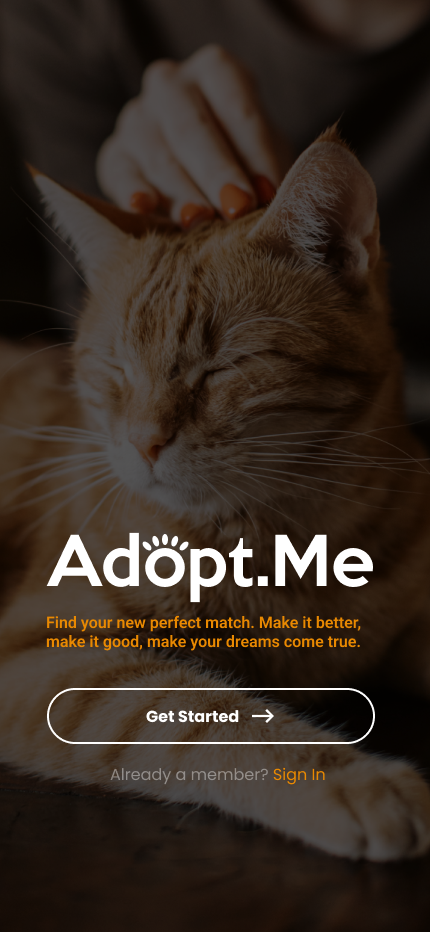
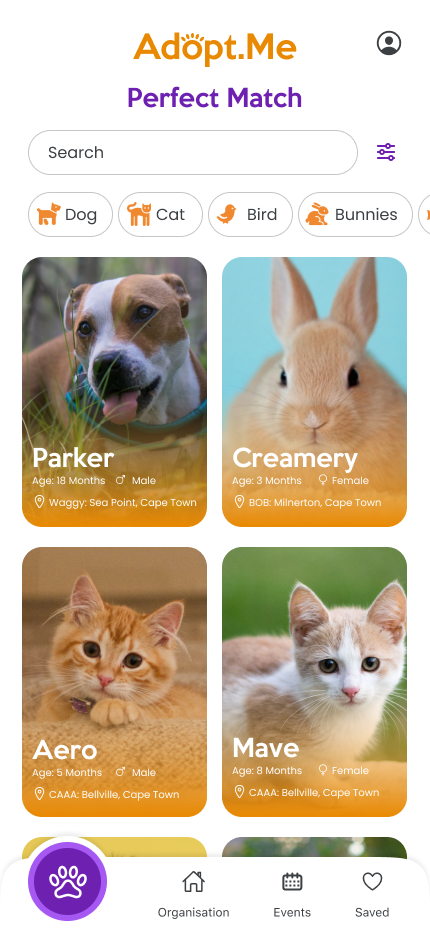
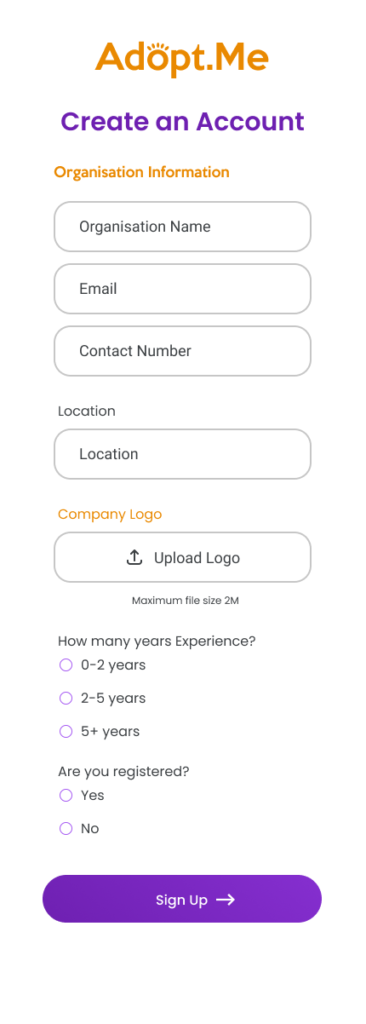
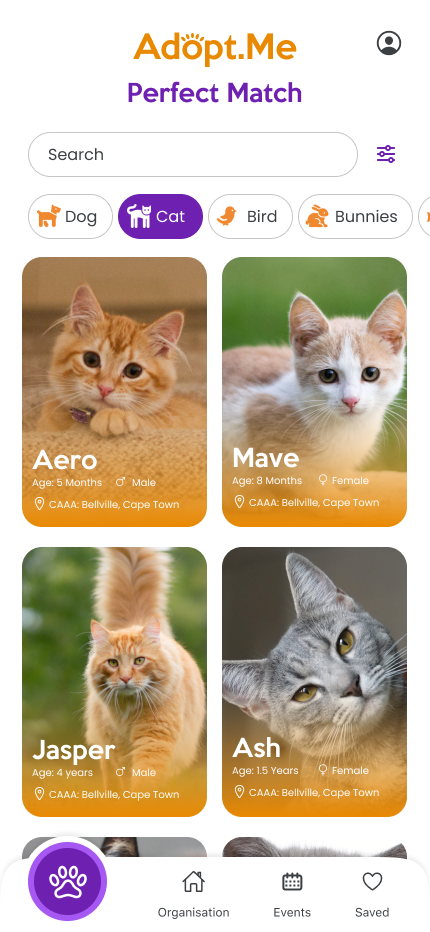
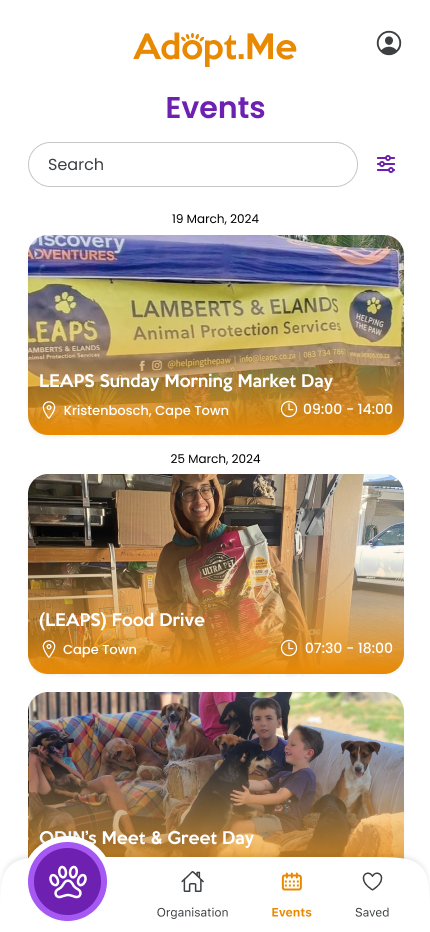
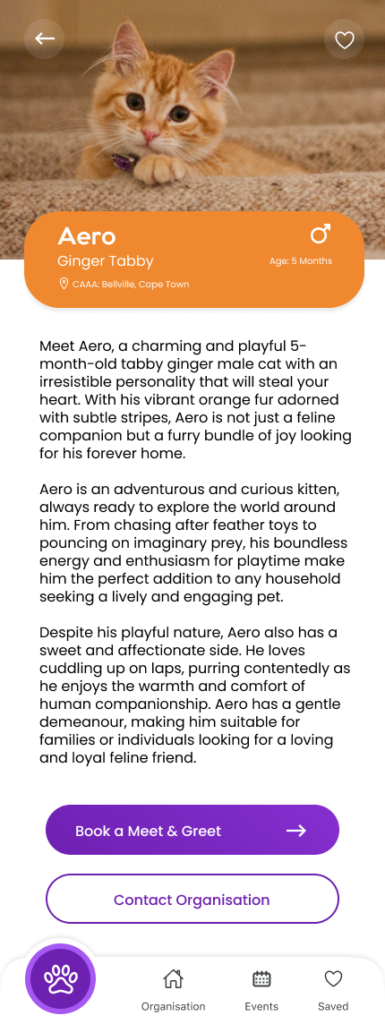
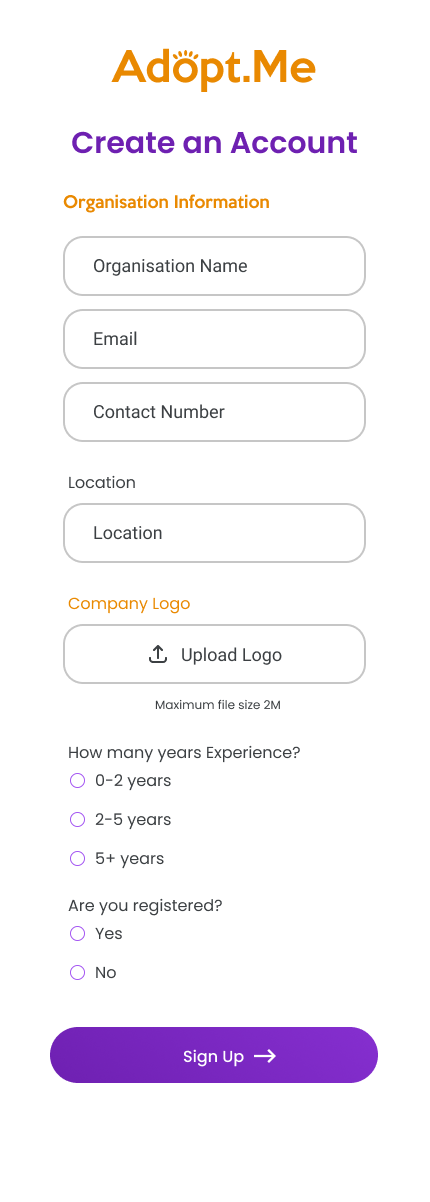
[vc_row full_width=”stretch_row_content” css=”.vc_custom_1477934139431{padding-right: 30px !important;padding-left: 30px !important;}” effect=”fadeIn”][vc_column width=”1/2″][vc_empty_space][ut_header align=”left” title_linebreak_mobile=”on” lead_linebreak_mobile=”on” font_size=”desktop_large=global&desktop_small=global&tablet=global&mobile=global” line_height=”desktop_large=global&desktop_small=global&tablet=global&mobile=global” title_letter_spacing=”desktop_large=global&desktop_small=global&tablet=global&mobile=global” title=”Mobile Application” title_color=”#252525″]Adopt.Me was inspired after adopting 3 dogs from an animal shelter. Browsing endlessly on Facebook pages searching for the perfect companion just to be disappointed when they were no longer available. Adopt.Me is an open platform for adoptees as well as organizations. Showcasing animals up for adoption, events hosted as well organisation information.[/ut_header][vc_row_inner][vc_column_inner width=”1/2″][vc_custom_heading text=”UX Strategy & Design Execution” font_container=”tag:h3|text_align:left|color:%23252525″ use_theme_fonts=”yes” css=”” text_transform=”uppercase”][vc_column_text]I began by defining key user flows for both primary user groups: adopters and animal organizations. Using FigJam, I mapped out the full journey from discovery to adoption inquiry and admin listing management. From there, I moved into low-fidelity wireframes in Figma to establish the layout and structure of each core screen — including home, animal profiles, filtering, event listings, and dashboards. The goal was to prioritize clarity, reduce decision fatigue, and make information easy to access.[/vc_column_text][ut_social_share_bar border=”true” share_text=”SHARE:” share_text_color=”#252525″ icon_color=”#999999″ border_color=”#efefef”][/vc_column_inner][vc_column_inner width=”1/2″][vc_custom_heading text=”UI Design & System Delivery” font_container=”tag:h3|text_align:left|color:%23252525″ use_theme_fonts=”yes” css=”” text_transform=”uppercase”][vc_column_text]In the UI phase, I developed a clean and inviting interface with soft colors, rounded elements, and an approachable aesthetic aligned with the emotional nature of pet adoption. I built out a modular component library in Figma to support consistency and speed up future iterations. Design decisions were made with responsiveness in mind, using auto-layout and constraints to ensure the experience translates smoothly across devices.[/vc_column_text][ut_portfolio_details style=”inline” values=”%5B%7B%22title%22%3A%22CLIENT%3A%22%2C%22description%22%3A%22Monique%20Grobler%22%7D%2C%7B%22title%22%3A%22DATE%3A%22%2C%22description%22%3A%222023%22%2C%22is_link%22%3A%22true%22%7D%5D”][/vc_column_inner][/vc_row_inner][/vc_column][vc_column width=”1/2″][vc_empty_space][ut_gallery_slider autoplay=”true” effect_in=”fadeIn” effect_out=”fadeOut” slides=”550,548,549,552,551,553″ arrow_color=”#252525″ arrow_color_hover=”#ff6e00″][/vc_column][/vc_row]